

Weekly review pain
Weekly engineering review
When leadership spends the meeting reconstructing the week, use one shared baseline for delivery, incidents, and risk.
Outcome
Review prep drops from 90 minutes to under 20.
Workflow
This page is for the operator setting Forgemaster up and deciding which sources matter most for the first rollout.
Primary job
Fast rollout
the workflow is designed to reduce setup drag and reach first value sooner
Best cadence
Initial setup
run it once well, then expand deliberately if needed
Decision type
What to connect first
helps teams avoid over-scoping the first implementation
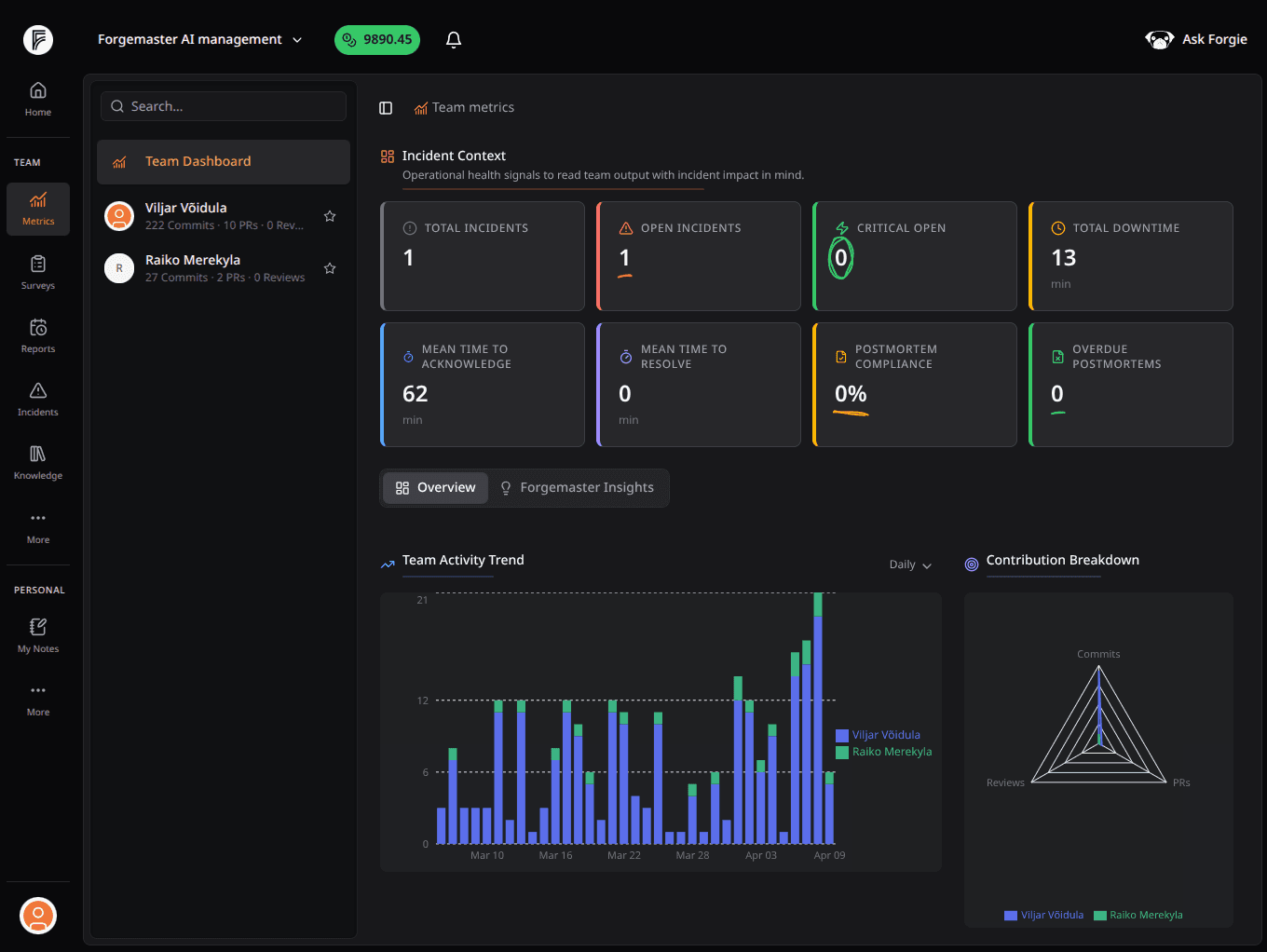

What it solves
This workflow keeps the setup anchored to the operating question you actually want Forgemaster to answer first.
When every source is connected at once, the rollout becomes slower and the first signal gets buried under implementation noise.
Teams often know the tools they use, but not which of those tools matters most for the first review loop.
A setup is only useful if it ends in a real weekly or monthly cadence, not just a completed integration checklist.
What the workflow covers
It is deliberately practical rather than integration-theater heavy.
Choose the repos and connected systems that best answer the first operating question you care about.
Limit the first rollout to the part of the org that will actually use the signal right away.
Connect the data with the weekly dashboard and review cadence already in mind.
How the cadence runs
The shortest useful path usually wins.
Start from the review or decision you need Forgemaster to support first, then choose the sources that make that possible.
The rollout has a purpose.
Connect only the repos and systems that produce signal for the first weekly or monthly cadence.
Time to value stays short.
Once the data lands, move immediately into the dashboard and weekly review workflow instead of stopping at connection success.
The rollout becomes operational.
Workflow output
That is why this workflow is anchored to what leaders need to read next, not to the integration itself.
What changes
That reduces rollout fatigue and increases the odds that the first signal actually matters.
Teams stop treating integration work as the finish line and reach the first useful review sooner.
Leadership can justify why certain repos or systems were connected first and others later.
The first users see a real workflow immediately instead of a half-connected tool with no operating rhythm.
Go deeper
Use them once the data is flowing and you need to decide where to operationalize the first signal.
Start the review loop
02Weekly review pain
When leadership spends the meeting reconstructing the week, use one shared baseline for delivery, incidents, and risk.
Outcome
Review prep drops from 90 minutes to under 20.
Load manager conversations with context and keep action items tied to follow-through.
See the system you just activated
02Shared baseline
When weekly reviews start with stitched-together updates, use one screen for delivery, incidents, and contribution movement.
Ownership continuity
When critical systems depend on too few people, use repo ownership and depth data to strengthen coverage early.
Outcome
Know which critical systems need healthier shared coverage.
Connect only the sources tied to the first real review question, then move directly into the dashboard and weekly workflow around it.